📆 Count Days Calculator
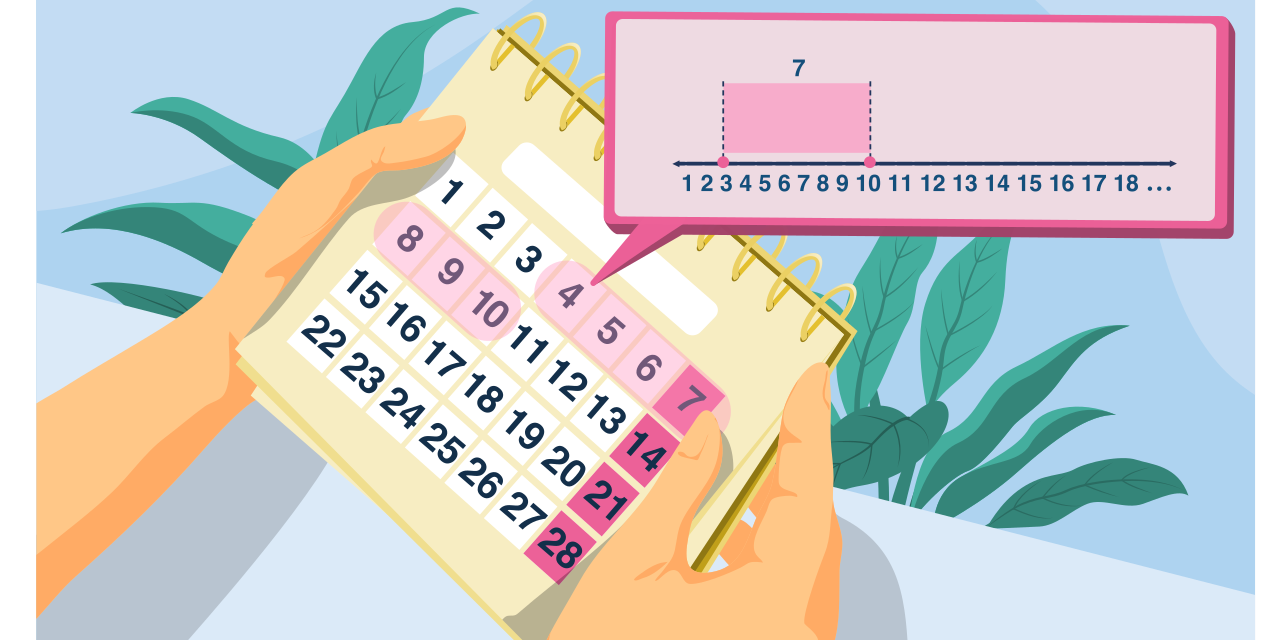


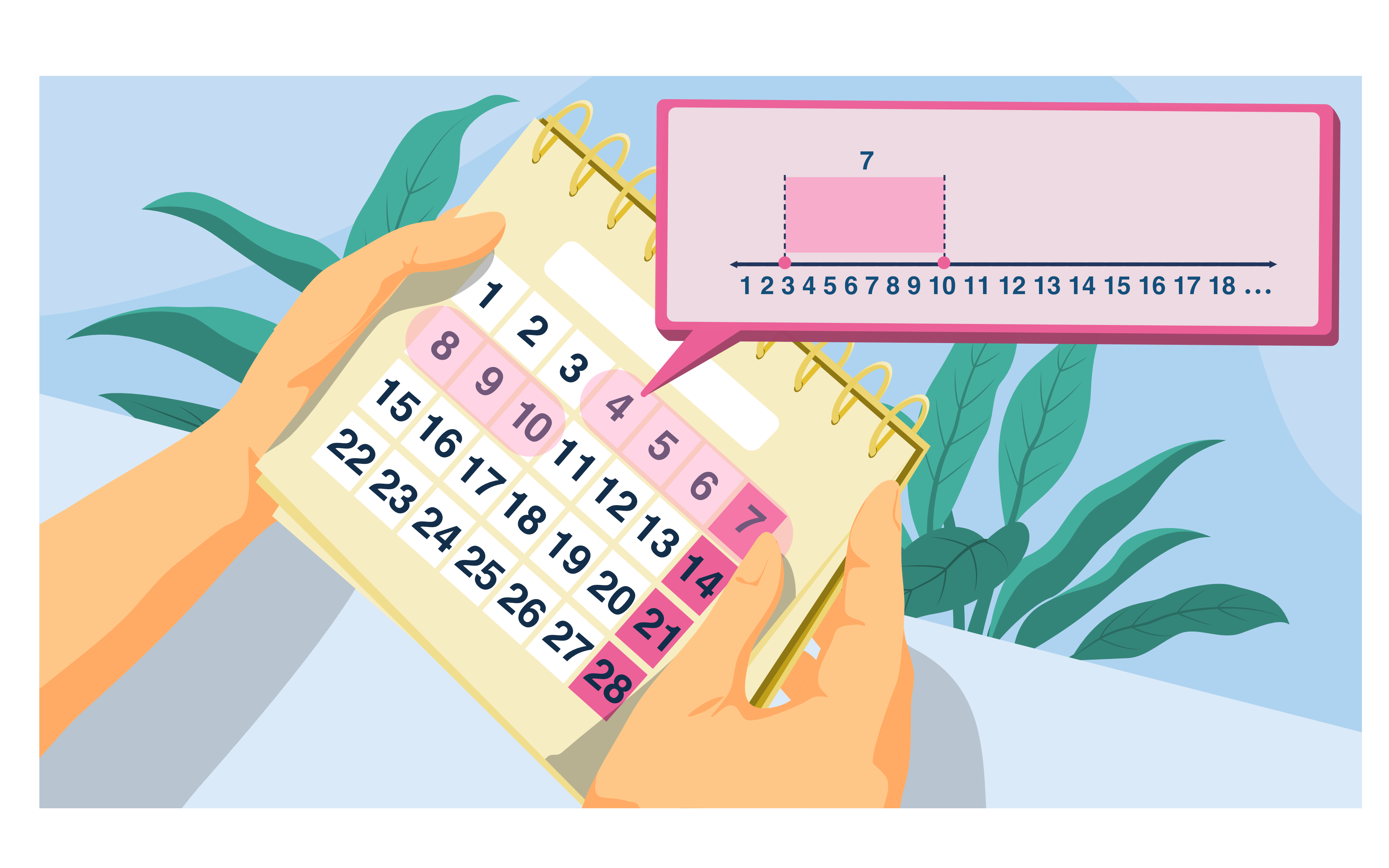
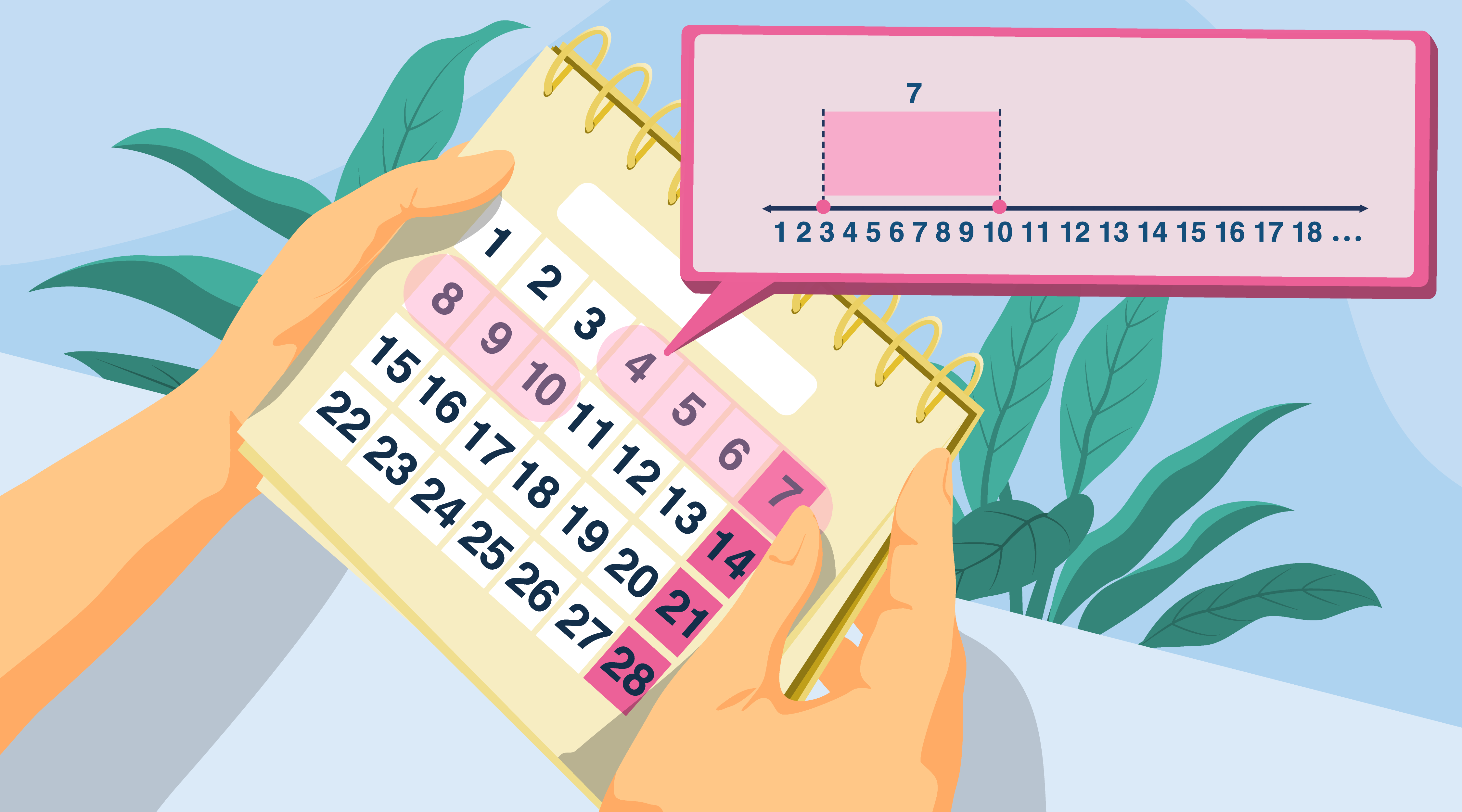
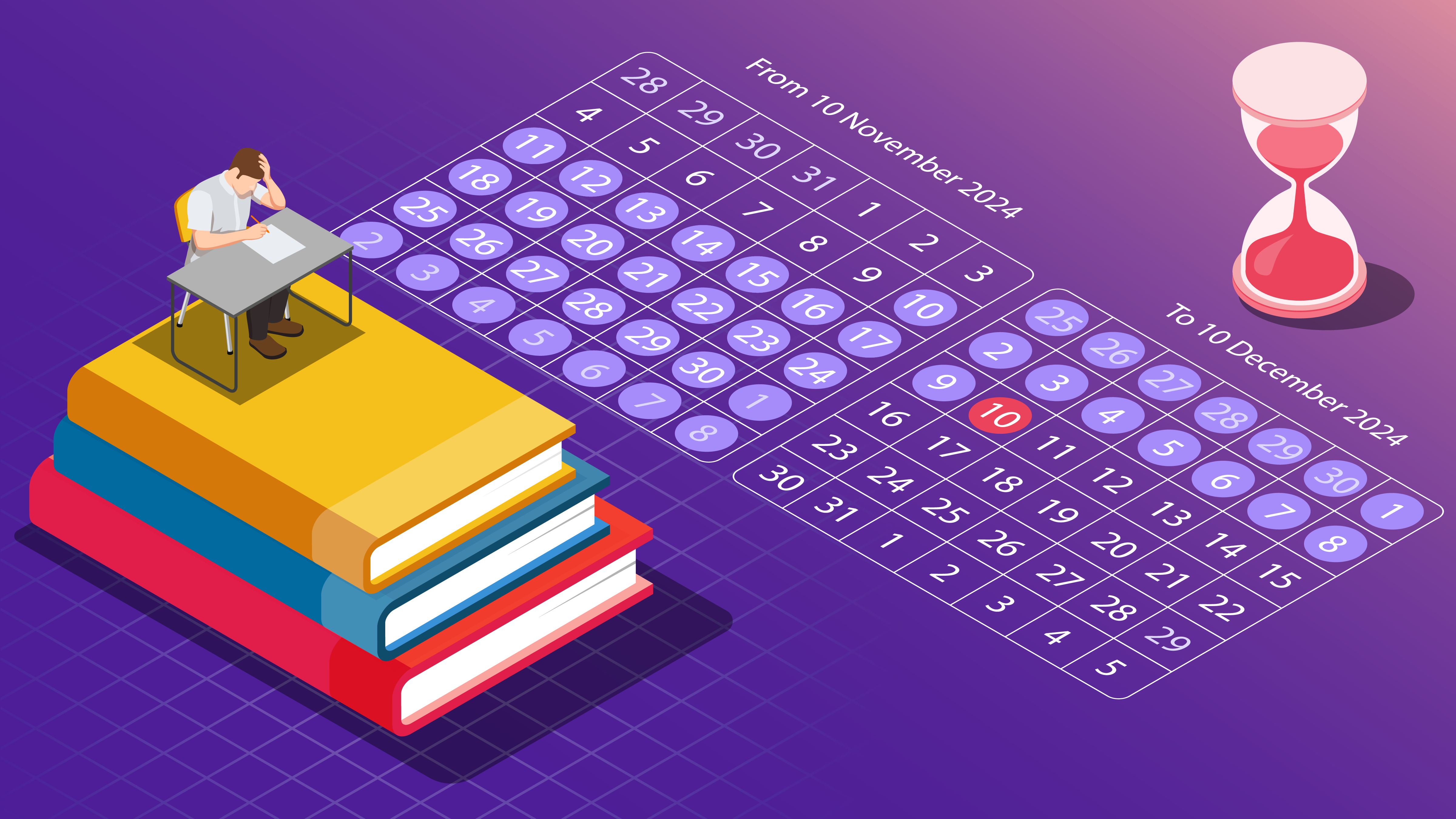

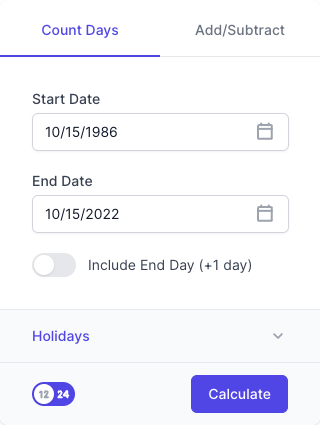
This calculator helps you count how much time has passed between two calendar dates. It's perfect for calculating age, tenure, deadlines, or project durations.
🟪 Features & Tabs
1. Tabs
- Count Days: Calculates duration between two specific dates.
- Add/Subtract: (Not shown in result, but toggled from the top-right) lets you shift a date forward/backward by a number of days.
📥 Input Fields (Count Days Mode)
1. Start Date
- The beginning date of your count.
- Example:
10/15/1986
2. End Date
- The ending date of your count.
- Example:
10/15/2022
3. Include End Day (+1 day)
- Toggle this ON to include the end date in the calculation (adds one day to total).
- Useful when counting inclusive durations (e.g. events that span full days).
📅 Holidays (Optional)
- Allows you to exclude selected holidays from the count if configured.
▶️ Calculate Button
Click the “Calculate” button to generate a detailed duration result.
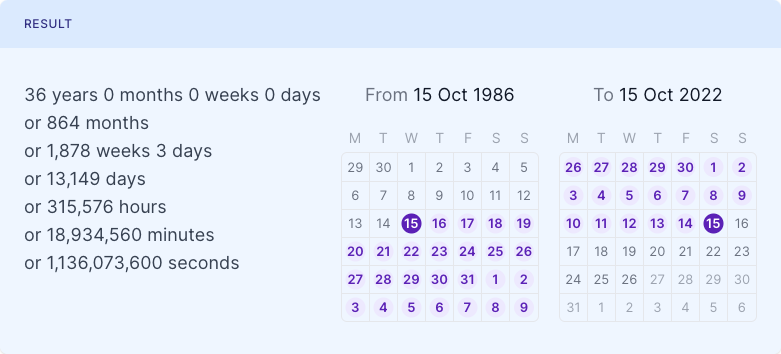
📊 Output (Results Section)
Displays the full time span in multiple units:
| Unit | Example Output |
|---|---|
| Years | 36 years |
| Months | 864 months |
| Weeks/Days | 1,878 weeks 3 days |
| Days | 13,149 days |
| Hours | 315,576 hours |
| Minutes | 18,934,560 minutes |
| Seconds | 1,136,073,600 seconds |
Also includes:
- Calendar view highlighting start and end dates
📝 Example
Input:
- Start:
10/15/1986 - End:
10/15/2022 - Include End Day: OFF
Output:
- 36 years exactly (13,149 days)
- or 1.1+ billion seconds!
✅ Use Cases
- Age or birthday calculations
- Employee service length
- Time since an event (wedding, contract, etc.)
- Historical timelines
- Legal, academic, or business durations